Update Play Count in iTunes for Windows

I lost the playcount in iTunes for Windows for some of my tracks.
Tonight I wanted to fix that without editing the Library.xml file – that’s too extreme. I envy Mac owners as they have wonderful Applescript collections to manage iTunes.
I found the awesome Liquid Parallax scripts but didn’t like manually editing the javascript file to set the new play count. So I hacked it together with some Windows Script Hosting magic to invoke a input dialog box in javascript. So the script now asks you to input the new play count.
Installation instructions for Adjust Play Count in iTunes for Windows:
- Download AdjustPlayCount.zip and unzip the contents somewhere on your hard-drive. This will give you a 3KB file called AdjustPlayCount.wsf
Tags: ipod, itunes for windows, windows, windows script
Vista Home Basic is not good
I’m using a new budget laptop at the moment. It’s a Compaq c700 (actually a c763TU) that will eventually go to my kids, so I thought I’d checkout what Vista Home Basic is like.
On a laptop it makes no sense! Laptops move from location to location, but the networking features are brain dead. I’ve managed to get it working each time, but I don’t think my mum would manage at all well. Actually her laptop is Vista Home Basic, but she only connects to the internet when she’s at home or my place. So she doesn’t have to deal with network configuration issues.
In the two weeks I’ve had it the network configuration has given problems at least 5 times.
What happens if one uses a Mac to read a ppt made on Windows?

Zak Greant’s Blog answers this question in a way that made me laugh out loud.
Powerpoint files are easily handled on a Mac:
- iWork 08 will import it, there is a 30 day trial available.
- NeoOffice (the native Mac OS X port of OpenOffice.Org) will open it and run all but the most complex .ppt file. It’s free
- Microsoft offers a free PowerPoint 98 viewer
- Lastly and most easily consider using Google Docs in your browser.
Lot’s of choices should be enough for any Mac convert
Windows Users Guide to Your New Mac
A number of friends and many acquaintances have moved to Macs and turned their backs on Windows.
I moved full time to a Mac a year ago. Here’s part 1 of my occasional series Your New Mac: a Guide for Windows Users
Things to do with Your New Mac
- Download the Skype client for mac and for chat use Adium http://www.adiumx.com/ multiprotocol on Windows Live Messenger, GoogleTalk, ICQ, AIM, Jabber, QQ, Gadu-Gadu etc. Both are free.
- Running Windows: Bootcamp is faster than parallels because bootcamp runs windows on your intel mac hardware, but you’ll have the stability and security issues of windows all over again. Bootcamp ships with Leopard
PDF files left by Firefox on Mac OS X Desktop
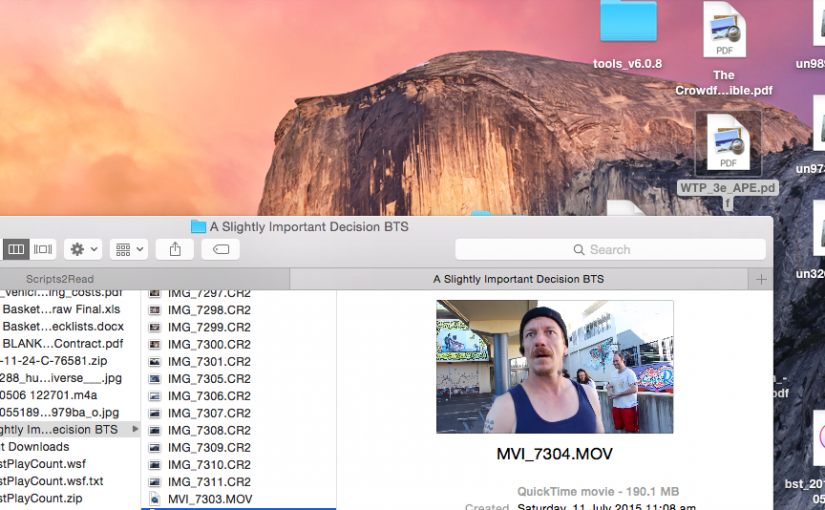
Or: How To Auto-Delete Temporary Files abandoned by Mozilla apps on your Mac OS X Desktop.
Firefox on Mac OS X does not clean up temporary files in the same way as the Windows version. When you right-click a PDF file and view it (instead of save) Firefox downloads it and then runs the browser helper application. Firefox has no way of knowing when you’ve finished with the file, so by design it does not delete it.
This can leave your desktop cluttered with PDF files and other assorted detritus of the web.
Mac OS X Keyboard navigation
For those switching from Windows to a Mac go and read the excellent HOWTO Switch To The Mac article from Tao of Mac
If you’re keyboard-oriented, go into System Preferences | Keyboard and Mouse | Keyboard Preferences and Turn on full keyboard access. Now you can deal with dialog boxes the way you’re used to, as well as accessing menus and toolbars with the keyboard.
There is even a hint on getting the home and end keys to work more like Windows users expect them to. I’m struggling with their Mac behaviour, but I’ll perservere for now. Check out the Windows Centric tips
Tags: Apple, howto, migration, Technology, windows